Fake GPS
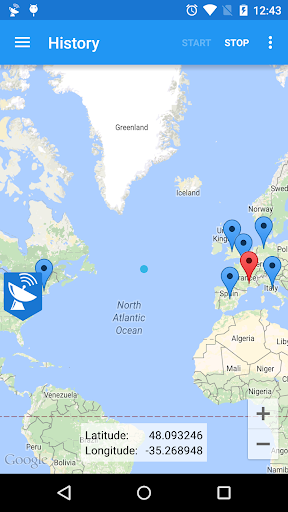
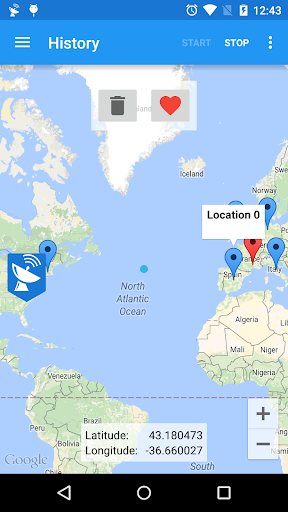
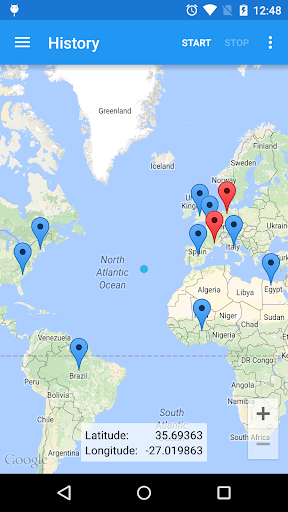
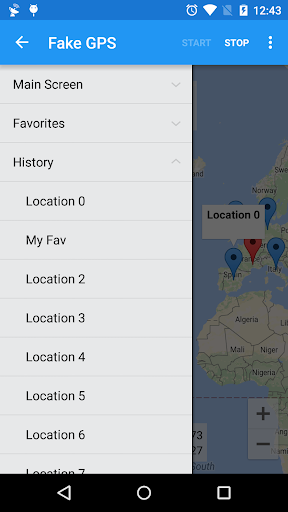
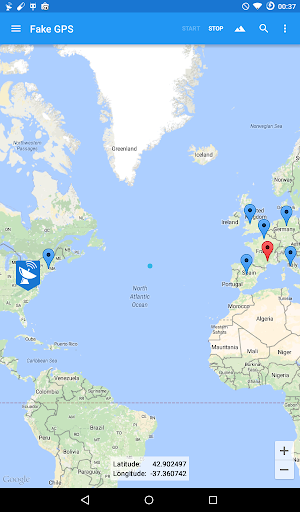
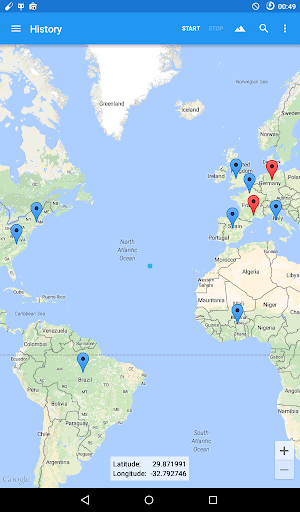
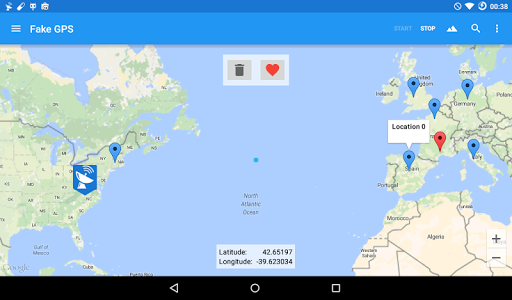
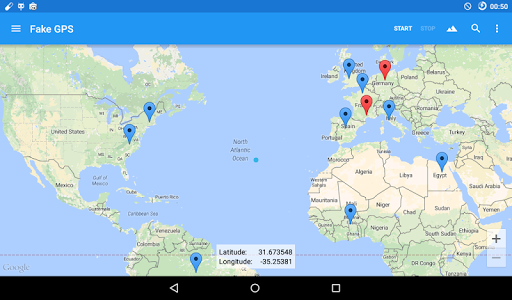
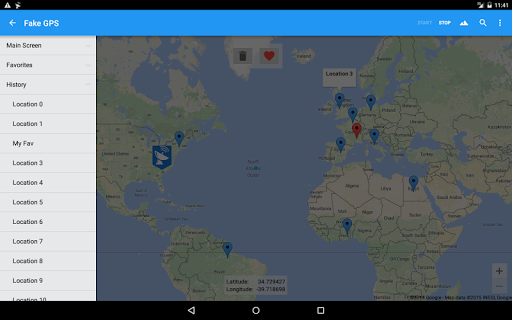
Fake GPS is a powerful tool that allows users to set their mobile location anywhere in the world with just a single click. This app is particularly useful for developers who need to test their applications' ability to handle GPS information without relying on a physical GPS signal.
Core Features
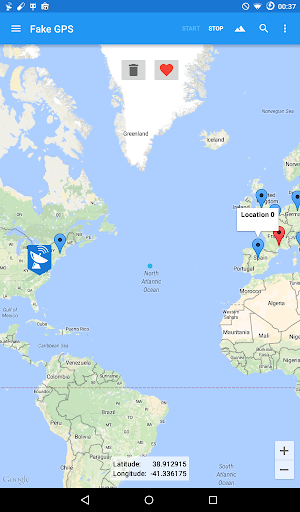
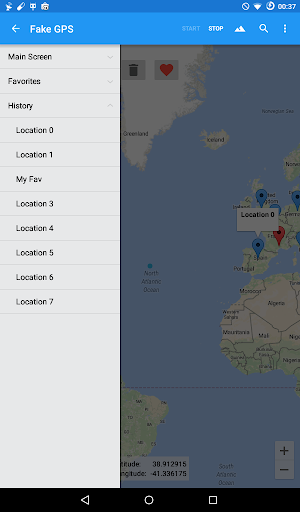
- 🌍 Global Location Setting: Instantly change your device's location to any point on the globe.
- 🛠️ Developer Friendly: Designed for developers, it allows for the testing of GPS-dependent applications.
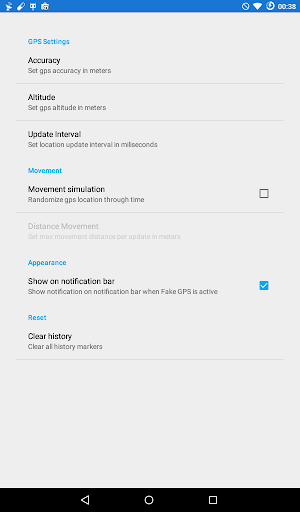
- ⚙️ Mock Location Support: Requires enabling “Allow Mock Locations” in Developer Settings for optimal performance.
- 🗺️ Command Line Integrations: Offers command line support for advanced users to set or update locations programmatically.
- 📦 Help Section: In-app assistance to resolve issues related to cached locations after stopping the app.
Pros
- ✅ Easy to Use: User-friendly interface, making it simple to set fake locations.
- ✅ Free to Use: Available for free, providing excellent functionality without cost.
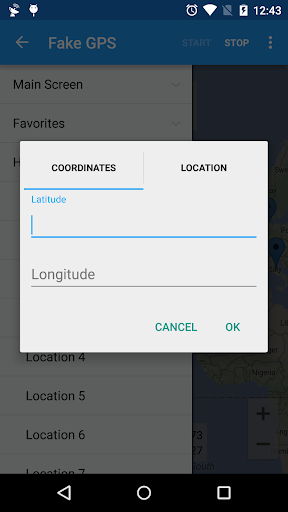
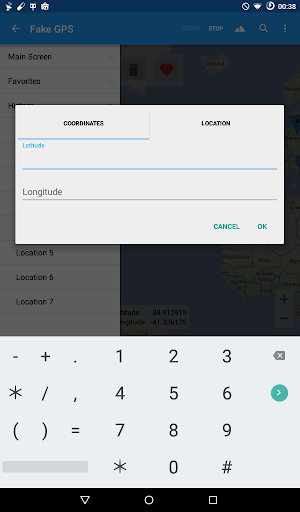
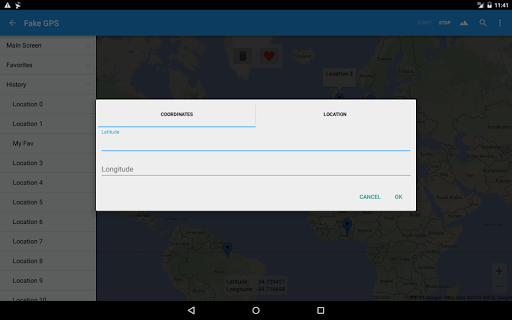
- ✅ Customizable: Supports latitude and longitude inputs to specify exact locations.
- ✅ No Root Required: Works without needing root access on the device.
- ✅ Developer Testing: Essential for developers needing to simulate GPS for app testing.
Cons
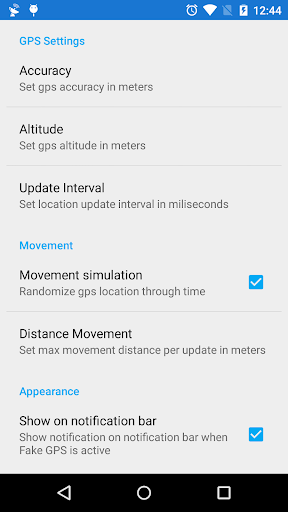
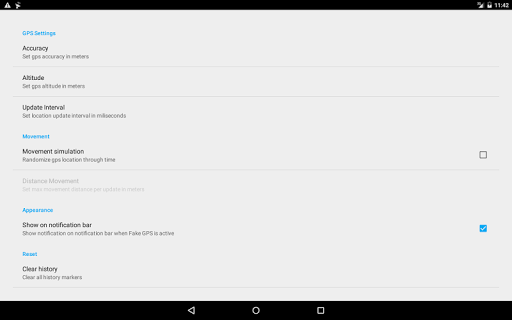
- ❌ Requires Setup: Users must enable mock locations and adjust settings for it to function correctly.
- ❌ May Affect Other Apps: Running Fake GPS can interfere with other applications that rely on genuine location data.
- ❌ Potential for Bugs: Users may encounter bugs, requiring troubleshooting through the help section.
- ❌ Limited Use Cases: Primarily geared towards developers, which may limit general use for casual users.
- ❌ Inconsistent Performance: Can sometimes exhibit inconsistencies if the device’s settings aren’t configured perfectly.
Price
💵 Free to Download: The app is available for free; however, it may include in-app purchases for additional features.