Home
Home  Top Charts
  FEATURED
  ARTICLES





Introduction to Antivirus: Why It Matters
Think of antivirus software as your digital bodyguard—it’s there to shield your devices from sneaky cyber threats like viruses, worms, and trojans. Its main job? Keeping your data safe and your system running smoothly. With real-time protection, it stops malware in its tracks, prevents data breaches, and keeps your device healthy. Without it, you’re leaving the door wide open for hackers, who could steal your identity, drain your bank account, or wreck your system. Remember the WannaCry ransomware attack? That’s just one example of how devastating cyber threats can be. Bottom line: antivirus isn’t optional—it’s essential.
Choosing the Right Antivirus: A Beginner’s Guide
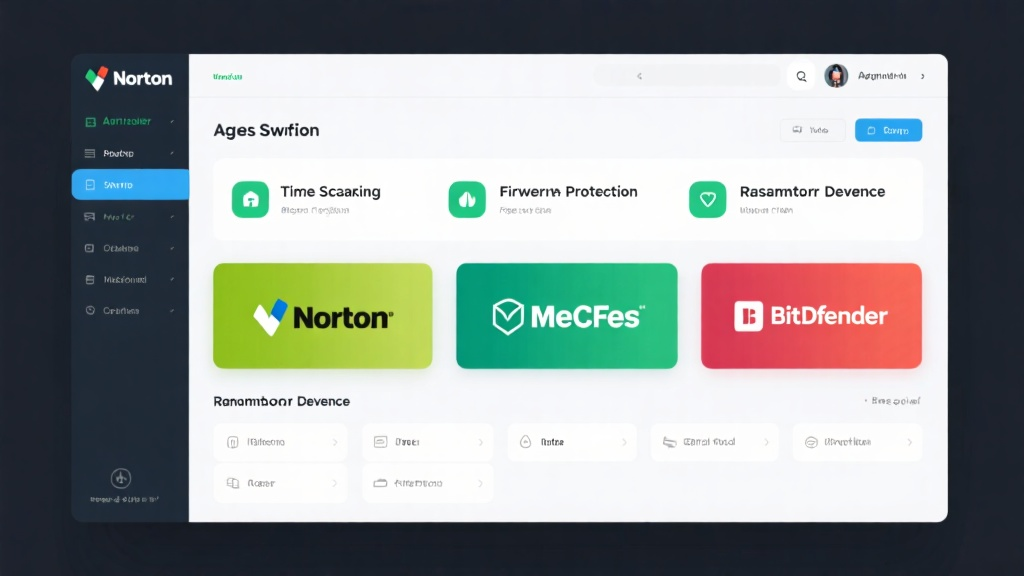
Picking the perfect antivirus doesn’t have to be overwhelming. Start by making sure it’s compatible with your device—whether it’s Windows, Mac, Android, or iOS. Look for features like real-time scanning, firewall protection, and ransomware defense. If you’re new to this, user-friendliness and solid customer support are a must. Brands like Norton, McAfee, and Bitdefender are popular for a reason—they offer tailored features for different needs. Free antivirus can handle the basics, but if you want extra peace of mind, paid versions come with advanced tools and dedicated support.
Getting Started: Setting Up Your Antivirus
Setting up antivirus software is a breeze. First, download it from the official website and follow the installation steps. During setup, create an account and tweak the settings to match your preferences. Once it’s installed, run a full system scan to catch any lurking threats. Pay attention to the scan results—if it flags something, follow the software’s advice to quarantine or delete the problem files. Easy, right?

Advanced Tips: Maximizing Your Antivirus Protection
Want to take your antivirus game to the next level? Customize the settings to schedule regular scans and enable automatic updates. Keep real-time protection and automatic threat removal turned on—they’re your first line of defense. And don’t forget safe browsing habits: steer clear of sketchy websites and dodgy email attachments. Pair your antivirus with a VPN and firewall for an extra layer of security. Together, they’ll keep you covered from all angles.

Common Mistakes to Avoid
One big mistake? Ignoring software updates. Skipping them leaves your system exposed to new threats. Always keep your antivirus up to date—it’s the best way to stay protected. Another slip-up is neglecting extra security measures like strong passwords and two-factor authentication. These add-ons work hand-in-hand with your antivirus to create a stronger defense against cyber attacks.
Conclusion: Becoming a Cybersecurity Hero
In a nutshell, choosing, setting up, and using antivirus software is your ticket to a safer digital life. This guide is here to help beginners navigate the world of antivirus with confidence. Stay proactive, keep your devices and data secure, and before you know it, you’ll be a cybersecurity hero in your own right.
For more information, check out Antivirus: Your Ultimate Guide to Digital Security.