Home
Home  Top Charts
  FEATURED
  ARTICLES





1. Introduction
Photo Grids have become a cornerstone of social media and visual content, offering a structured yet creative way to showcase images. Their importance lies in their ability to tell a story, highlight key moments, and maintain a cohesive aesthetic across multiple posts. The purpose of this article is to share essential editing hacks that will help you create captivating grid layouts, ensuring your content stands out in the crowded digital landscape.
2. Understanding the Basics of Photo Grids
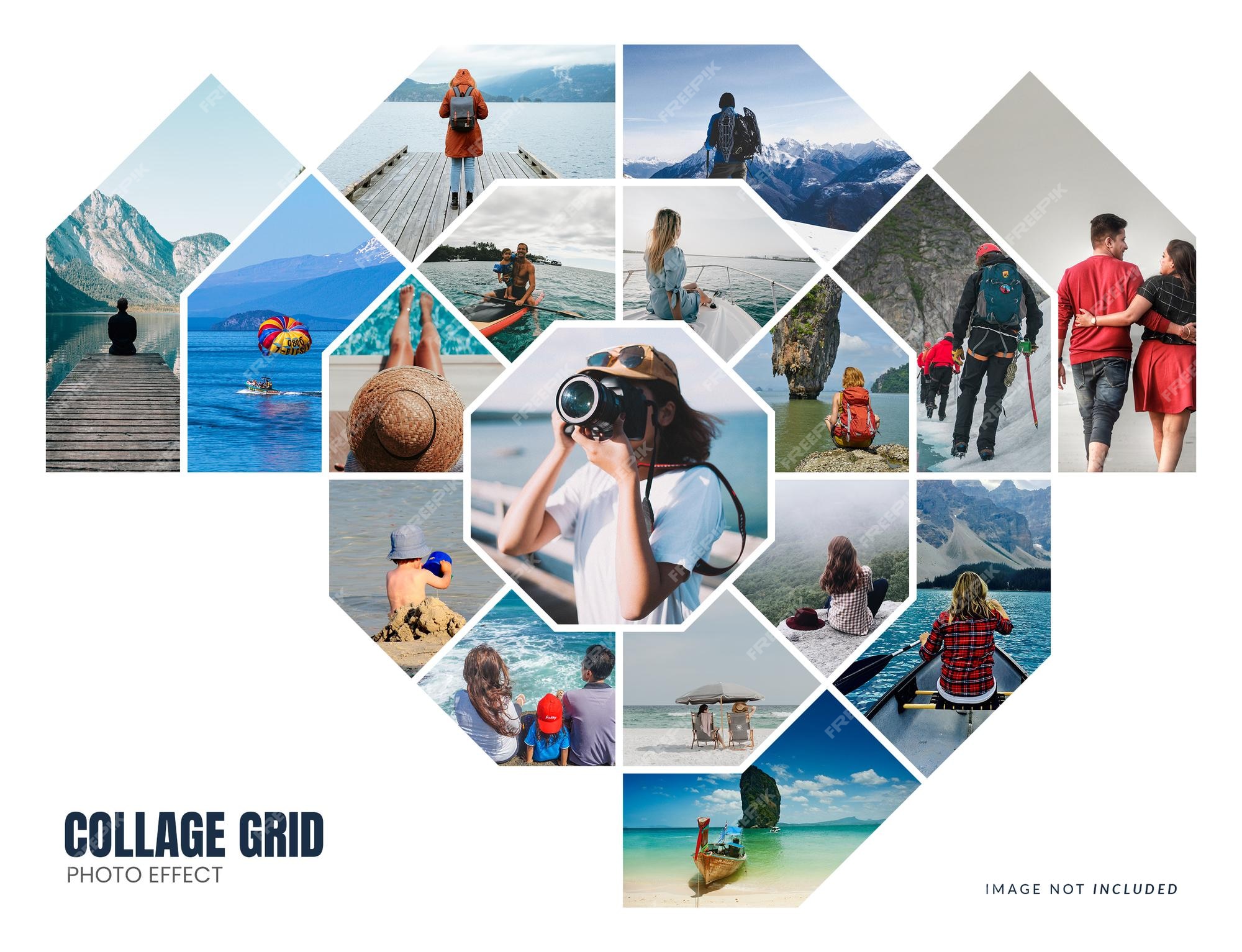
A Photo Grid is a layout that arranges multiple images into a cohesive visual structure. It plays a crucial role in visual storytelling by organizing content in a way that is both aesthetically pleasing and easy to navigate. There are various types of grid layouts, including symmetrical grids for balance, asymmetrical grids for dynamic energy, and thematic grids that focus on a specific subject or color scheme. Understanding these types will help you choose the right layout for your content.
3. Preparation Phase: Planning and Design
Before diving into editing, it's essential to plan your grid layout. Start by selecting a theme and color scheme that aligns with your content or brand identity. Consistency in these elements will create a unified look. Utilize planning tools or apps like Planoly or UNUM to preview and arrange your photos before posting. This step ensures that your grid flows seamlessly and tells a compelling visual story.
4. Editing Techniques: Enhancing Visual Appeal
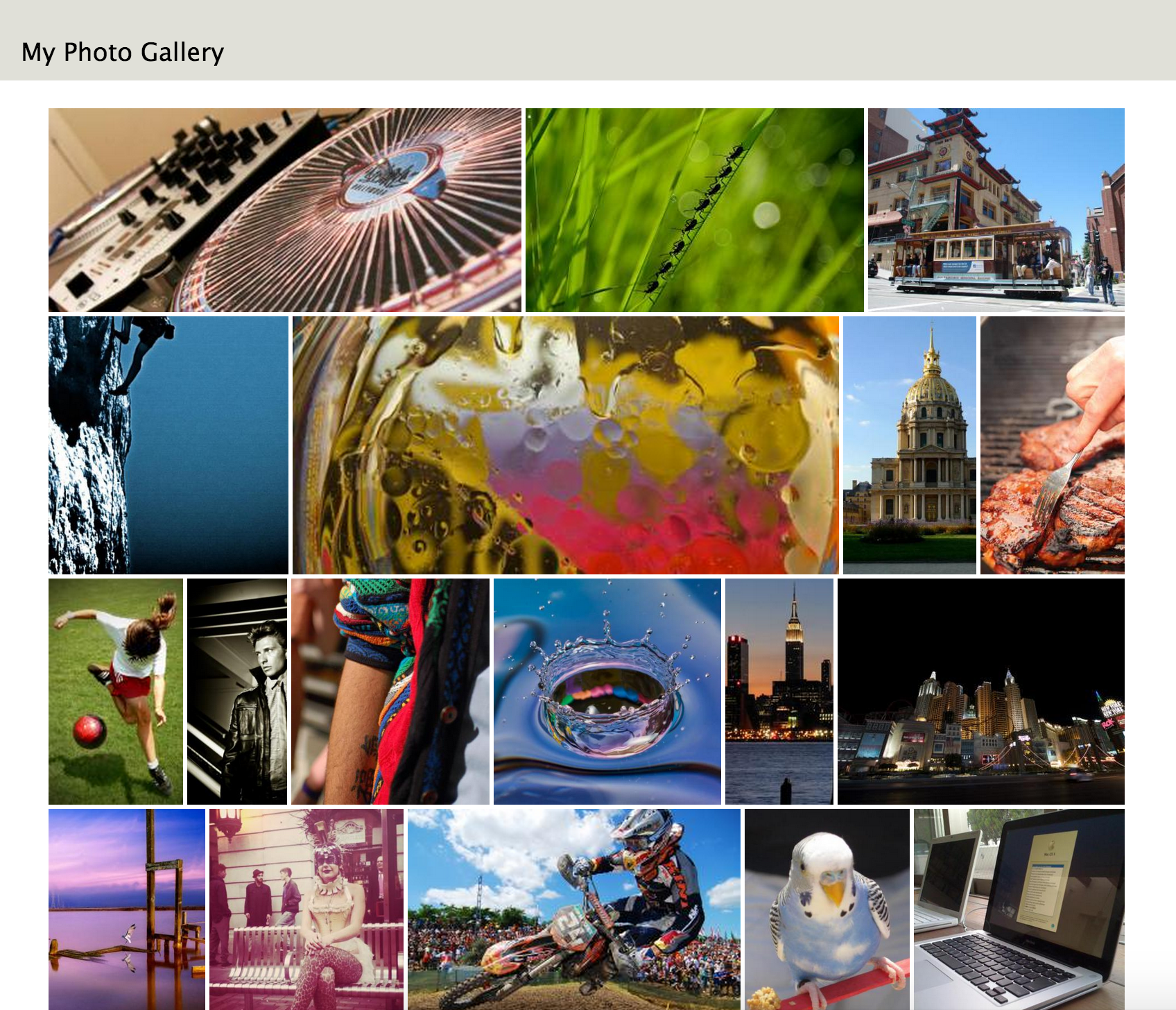
To elevate your grid layout, focus on key editing techniques. Color Adjustments: Unify the tones of your images to enhance visual coherence. Use tools like Lightroom or VSCO to adjust brightness, contrast, and saturation. Cropping and Rotating: Strategically crop and rotate photos to fit the grid layout, ensuring each image complements the others. Filter Application: Choose filters that align with your theme and color scheme to add a consistent aesthetic. Text and Graphics: Incorporate text or graphic elements to provide context or artistic flair, making your grid more engaging.
5. Advanced Techniques: Creative and Dynamic Layouts
For those looking to push the boundaries, explore advanced techniques like collage and montage to create dynamic effects. These methods allow you to layer images or blend them seamlessly, adding depth and complexity to your grid. Experiment with overlays and transparency to introduce unique textures or patterns, making your layout stand out.

6. Tools and Resources
To streamline your editing process, consider using tools like Canva, Adobe Spark, or Fotor, which offer user-friendly interfaces and templates. For more advanced users, Photoshop and Lightroom provide extensive editing capabilities. Additionally, explore online resources and tutorials on platforms like YouTube or Skillshare to further refine your skills.
7. Case Studies
Analyzing successful Photo Grids can provide valuable insights. For instance, a travel influencer might use a thematic grid to showcase different destinations, while a fashion blogger might opt for a symmetrical layout to highlight outfits. These examples demonstrate how thoughtful planning and editing can create visually stunning grids that resonate with audiences.
8. Frequently Asked Questions (FAQ)
Q1: How do I choose the right grid layout?
A: Consider your content and target audience, and choose a layout that aligns with your theme and goals. Symmetrical grids work well for balance, while asymmetrical grids add dynamism.
Q2: What filter should I use?
A: Select a filter that complements your theme and color scheme to maintain a consistent style.
Q3: How do I handle photos of different sizes?
A: Use cropping tools to adjust dimensions or add borders to create uniformity.
Q4: Are there free tools available?
A: Yes, tools like Canva and Adobe Spark offer free versions that are perfect for beginners.
Q5: How do I maintain visual consistency?
A: Ensure that colors, styles, and layout elements are unified across all images in your grid.
9. Conclusion
Creating stunning Photo Grids requires a combination of planning, editing, and creativity. By applying the techniques and tips outlined in this article, you can elevate your visual content and make a lasting impression. Start experimenting with these hacks today and transform your grid layouts into works of art.